Thoughts & Insights
Writing about photography, workflow optimization, and building tools for creative professionals.
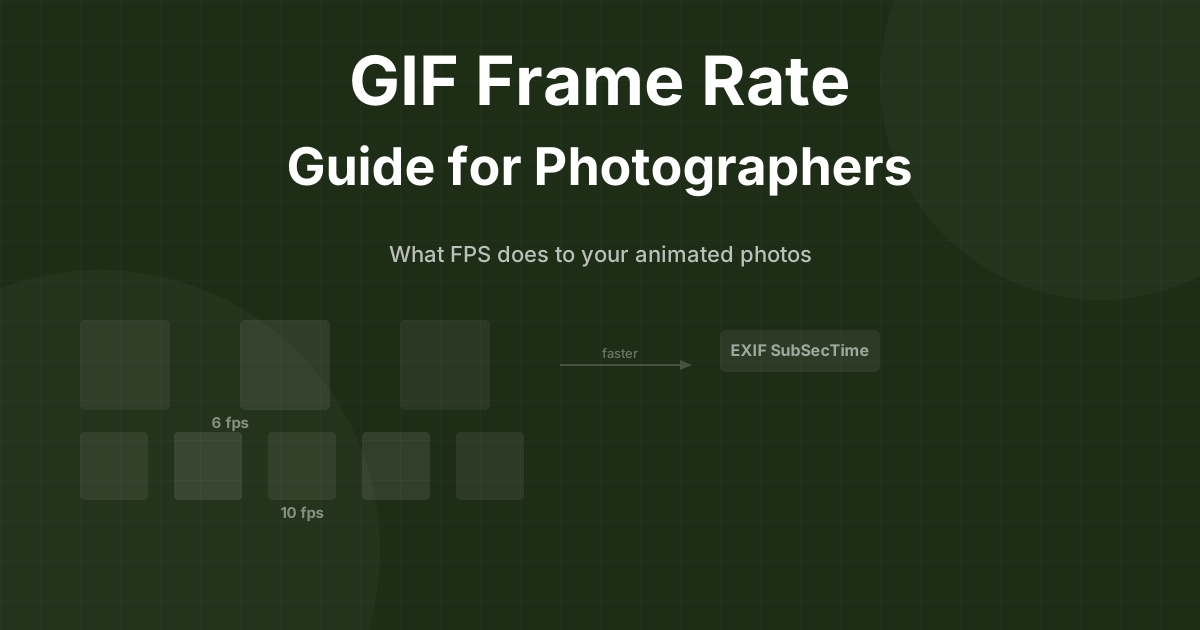
GIF Frame Rate Guide for Photographers: What FPS Does to Your Animated Photos
What frame rate should your animated GIFs actually run at? A practical guide to 6fps, 10fps, 15fps — file size, motion smoothness, and how EXIF timing works.

How to Add Animated Photos to Your Photography Portfolio Website
A practical guide to creating and embedding animated moments on your photography website. Which format to use, how to create them, and tips for Squarespace, Showit, and WordPress.
How to Create a Photo Slideshow Video in Lightroom Classic
Export an MP4 slideshow with music from Lightroom's built-in Slideshow module — no Premiere needed. When it works, when it doesn't, and what to do instead.
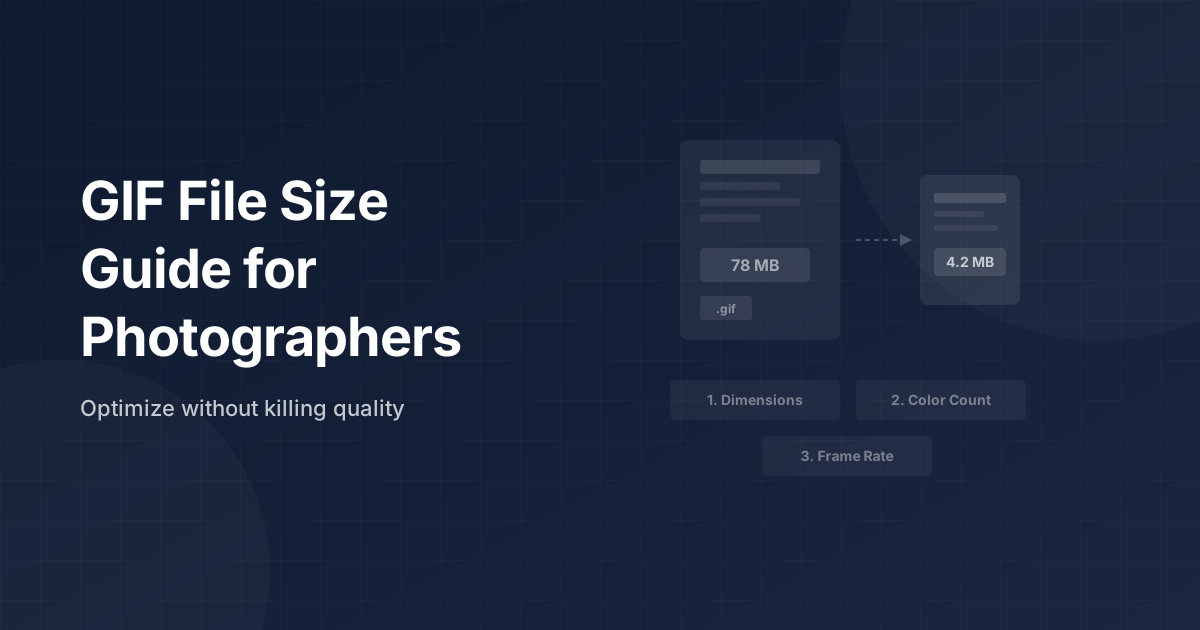
GIF File Size Guide for Photographers: Optimize Without Killing Quality
GIF too large for your client gallery or email? Here are the three settings that control GIF file size — and when MP4 just makes more sense.
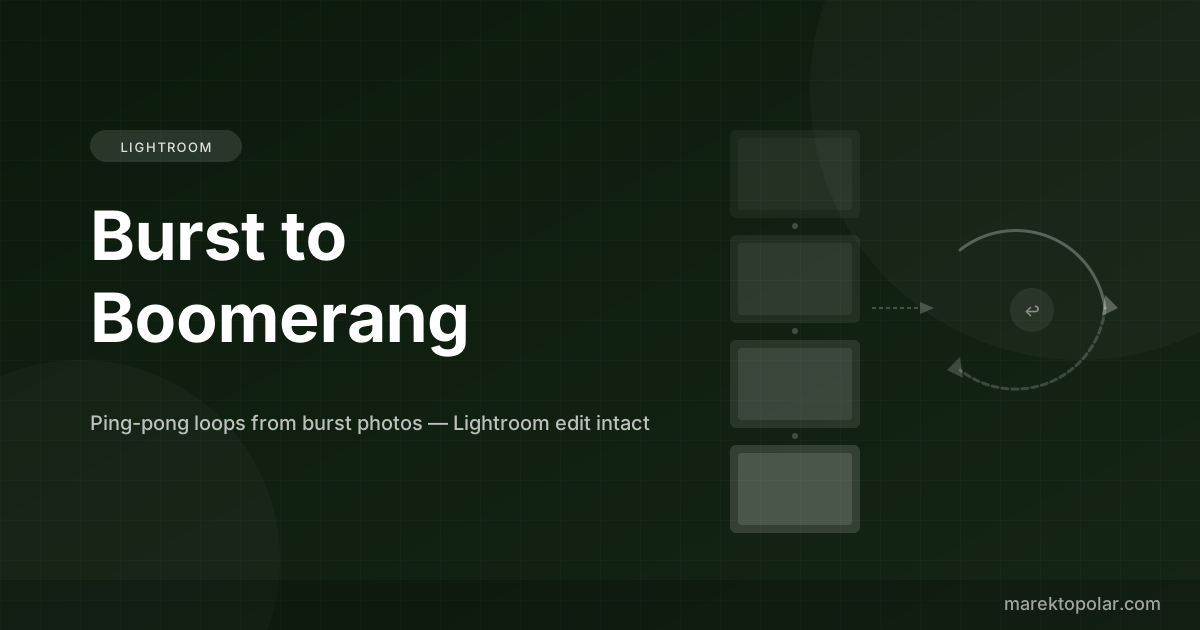
How to Make a Boomerang from Burst Photos in Lightroom
Turn your burst sequences into polished boomerang-style ping-pong loops — with your full Lightroom edit intact. The two-step workflow.
Lightroom Classic vs Lightroom CC: Which Should Wedding Photographers Use?
Lightroom Classic vs Lightroom CC — an honest comparison for working photographers. File management, plugins, mobile sync, and a clear recommendation.
Photoshop vs Lightroom for GIFs: Which Is Actually Faster for Wedding Photographers?
Honest comparison of Photoshop and Lightroom workflows for making animated GIFs from burst photos. Speed, quality, and which to use when.
Burst Photos to Instagram Reels: The Lightroom-to-Feed Workflow
How I turn burst photo sequences into Instagram Reels directly from Lightroom — same edit, no extra apps, under 6 minutes per clip.
How to Find the Best Burst Sequences in Your Lightroom Catalog
A practical Lightroom workflow for identifying and selecting your best burst sequences before converting them to GIFs or MP4.
Cinemagraph vs GIF vs Video: What Photographers Should Deliver
Three animated formats, three different jobs. A practical guide to choosing between cinemagraphs, burst animations, and video clips for client delivery.

Animated Moments for Family and Pet Sessions
8 family and pet photography moments that make beautiful burst animations — for photographers who want to add movement to portrait galleries.
Stop Motion from Camera Bursts in Lightroom
How to create stop motion animations from deliberate burst sequences — shooting technique, Lightroom editing, and MP4 export without leaving your catalog.

ezgif Alternatives When You Don't Want to Upload Client Photos
ezgif uploads your files to third-party servers. Here are the local alternatives that process everything on your own Mac — for privacy-conscious photographers.

How to Make a GIF from Photos on Mac (4 Methods Compared)
Every way to turn photos into an animated GIF on Mac — Lightroom plugin, Photoshop, ezgif, and Gifski. Honest comparison with the real tradeoffs.
How to Make a Timelapse in Lightroom
Photo sequence to timelapse video without leaving Lightroom Classic. In-plugin method for burst shots, LRTimelapse for serious work, manual export as backup.
Best Lightroom Classic Plugins in 2026
An honest roundup of 8 Lightroom Classic plugins that actually earn their place — from film conversion to AI culling to burst photo animation.

Burst2GIF vs ezgif: Which GIF Maker Fits a Photographer's Workflow?
ezgif is free and runs in the browser. Burst2GIF is $29 and lives inside Lightroom. I break down when each one wins — file quality, privacy, and the workflow math for photographers.

Burstio Alternative for Mac: Turning Camera Bursts into GIFs on Desktop
Burstio converts iPhone bursts to GIFs, but there's no Mac version — and camera photographers need a desktop workflow anyway. Here's how to do the same thing with RAW bursts in Lightroom.

GIF Brewery Alternatives for Mac in 2026 (From a Photographer Who Needed One)
GIF Brewery is abandoned — Gfycat shut down in 2023 and the app hasn't seen an update in years. Here are 6 real alternatives for Mac, sorted by what you actually make GIFs from.

Burst to GIF: The Complete Guide to Turning Burst Photos into Smooth Animations
Learn 3 ways to convert burst photos into GIFs and MP4 videos. Compare Photoshop, online tools, and the fastest method — directly from Lightroom.

How to Export GIF from Photoshop: Complete Guide (And a 10-Second Alternative)
Step-by-step Photoshop GIF export tutorial for photographers. Plus a faster alternative that skips Photoshop entirely.

How to Shoot Burst Photos for Perfect GIFs: A Photographer's Guide
Camera settings, shooting techniques, and best practices for capturing burst sequences that make smooth, professional GIFs.

How to Make a GIF in Lightroom (Yes, It's Actually Possible Now)
Lightroom can't export GIFs natively. Here are 3 workarounds — including one that does it in 10 seconds without leaving Lightroom.

10 Best Wedding Moments to Capture as Burst Photos (and Turn into GIFs)
A wedding photographer's guide to the moments that make the best burst-to-GIF animations for client galleries.

How to Deliver GIFs in Your Pic-Time and Pixieset Wedding Gallery
Step-by-step guide to adding animated GIFs and MP4 videos to your client wedding galleries on Pic-Time and Pixieset.

Lightroom Video Export: Everything Photographers Need to Know
What Lightroom Classic can and can't do with video. Plus how to create MP4 videos from your photos without leaving Lightroom.

GIF vs MP4 for Photography: Which Format Should You Deliver?
A practical comparison of GIF and MP4 for photographers. File size, quality, compatibility, and when to use each format.

The Old Way vs The New Way: Making GIFs from Photos in 2025
12 steps in Photoshop or 3 clicks in Lightroom. A side-by-side comparison of the old and new way to create GIFs from burst photos.

Cinemagraph Photography: How to Create Living Photos That Stop the Scroll
What cinemagraphs are, how to shoot them, and how burst photos can create similar living-photo effects for your portfolio.