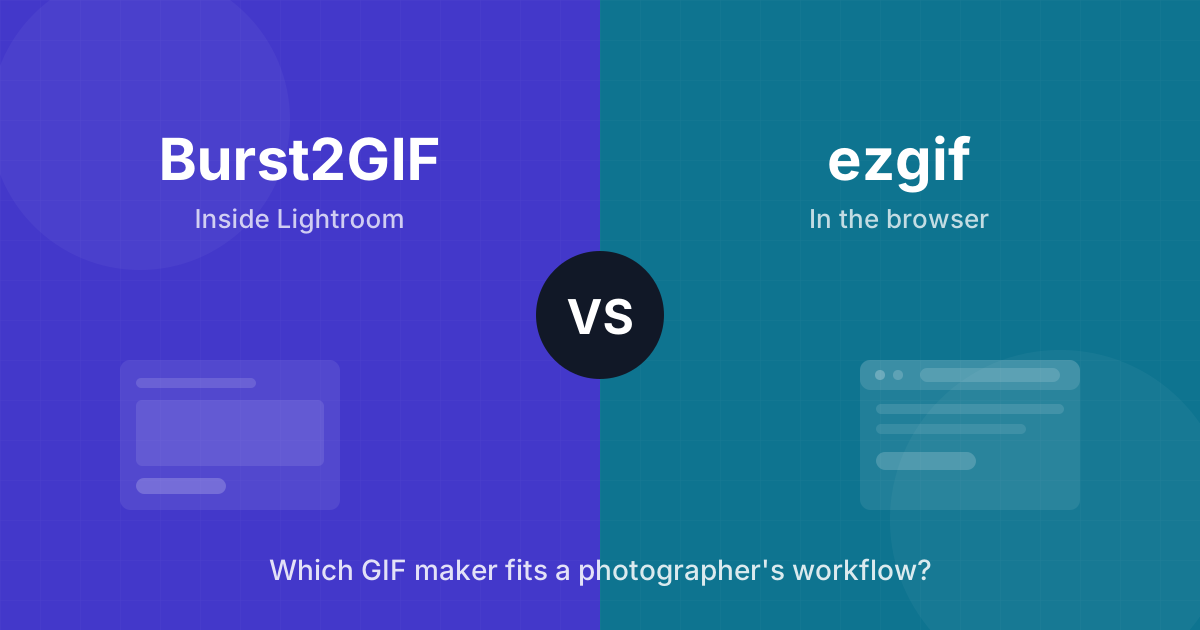
ezgif.com is the tool everyone finds first. Free, no install, runs in any browser, and it genuinely works. So when someone asks me why they’d pay $29 for Burst2GIF — a tool I built — instead of using ezgif, that’s a fair question and it deserves a straight answer.
The short version: they’re built for different source material and different frequency. ezgif is a converter you visit. Burst2GIF is a step inside your editing workflow. Which one fits depends on what you make GIFs from and how often.
Full disclosure again, so it’s on the record: Burst2GIF is my plugin. I’ll be specific about where ezgif is the better choice, because it sometimes is.
What each tool actually is
ezgif is a free web toolbox: video-to-GIF, images-to-GIF, resize, crop, optimize, reverse, add text. You upload files, configure options on a web page, download the result.
Burst2GIF is a plugin for Adobe Lightroom Classic. It takes burst photo sequences you’ve already edited and exports them as MP4 or GIF from inside Lightroom — live preview, FPS auto-detected from EXIF timing, edits baked in, up to 6K.
The workflow math
Here’s the same job — 15 burst photos from a wedding, edited in Lightroom, client wants the animated moment — in both tools:
With ezgif: export 15 JPEGs from Lightroom, open ezgif, upload all 15 (in order, and order matters), set delay per frame by hand, generate, tweak, download, delete the exported JPEGs. Then the client asks for a warmer edit — and you do the entire loop again, because your GIF and your Lightroom edits are two separate worlds.
With Burst2GIF: select the 15 photos in the Library module, open the plugin, preview, export. Edits change later? Re-export. The photos never leave Lightroom.
For one GIF a year, the ezgif loop is fine. For 15-20 GIFs per wedding, it’s the difference between two hours and ten minutes — I know because I lived the two-hour version. That was the entire reason this plugin exists.
Side by side
| ezgif | Burst2GIF | |
|---|---|---|
| Price | Free | Free (10 exports) / $29 once |
| Runs | In browser | Inside Lightroom Classic |
| Source material | Video or uploaded images | Photos selected in Lightroom |
| Max quality | Limited by upload size | Up to 6K, H.264 MP4 |
| Frame timing | Manual delay per frame | Auto from EXIF (SubSecTime) |
| Your edits | Baked into exported JPEGs | Rendered live from Lightroom |
| Client photos | Uploaded to third-party server | Never leave your machine |
| Video to GIF | Yes | No |
| Text, effects, crop tools | Yes | No |
| Platform | Any browser | macOS (Windows planned) |
The privacy point photographers skip
ezgif processes files on their servers. They state uploads are deleted automatically, and I have no reason to doubt it — but “I uploaded your unpublished wedding photos to a free web service” is still a sentence I’d rather not say to a client. Some commercial contracts flat-out prohibit it.
Burst2GIF renders locally on your Mac. Nothing is uploaded anywhere. For client work, that’s not a feature, it’s a requirement.
If you want a broader look at local alternatives — Gifski, Photoshop, and FFmpeg all run without uploading anything — I cover the full set in ezgif alternatives for photographers who don’t want to upload client photos.
Where ezgif genuinely wins
- Video to GIF. Burst2GIF doesn’t touch video. If your source is a video clip, use ezgif or a converter like Gifski — I compared those in my GIF Brewery alternatives roundup.
- One-off jobs. No install, no license, works on any machine including Windows today.
- Editing extras. Text overlays, reverse, speed changes, format conversions — ezgif is a Swiss army knife.
- You don’t use Lightroom. Burst2GIF is a Lightroom plugin, full stop. No Lightroom, no Burst2GIF.
Where Burst2GIF wins
- You shoot bursts and edit in Lightroom. The whole roundtrip — export, upload, configure, download — disappears.
- Volume. Anything past a couple of GIFs a month and the time savings pay for the license.
- Quality. 6K export with your actual color grade, and MP4 as a first-class output (which is what most galleries and social platforms want anyway — I wrote about GIF vs MP4 for photographers separately).
- Client work. Local rendering, no third-party servers.
Honest bottom line
If you make a GIF occasionally, from mixed sources, and price matters more than workflow: use ezgif. It’s good at what it does and free is free.
If you’re a photographer with burst sequences in Lightroom and animated moments are part of what you deliver: the free version of Burst2GIF gives you 10 exports to test the difference on your own photos. If the workflow doesn’t save you real time, don’t buy it — the free tier exists precisely so you can find out.
Ready to Turn Your Burst Photos Into GIFs?
Burst2GIF works directly inside Lightroom Classic. Select your burst photos, click export, and get a smooth GIF or MP4 in seconds.